Bulk-Importing a Staff List Into helloswap, and What Invited, Active, Suspended Mean
How to add a whole team to helloswap at once by importing a CSV, and what the invited, active and suspended statuses actually control once people are in.
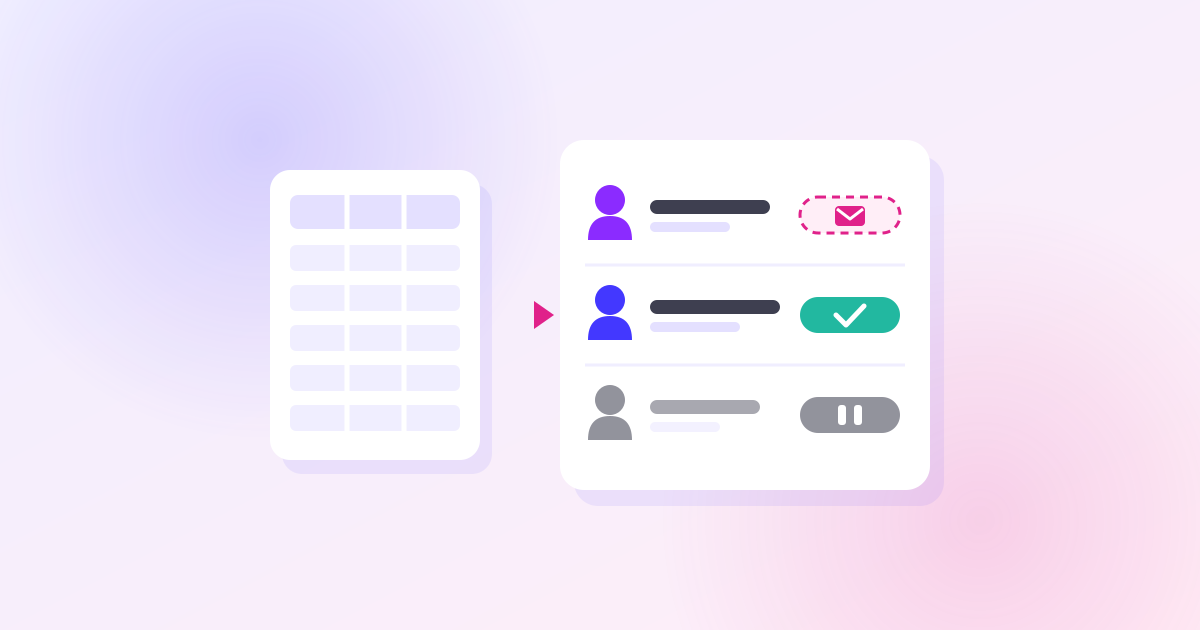
Adding people one at a time makes sense for a single new hire, but it's the wrong tool when you're setting up a new department or moving a whole team over from a spreadsheet or another scheduling tool. helloswap handles that case with a CSV import from People, and once people are in, their status — invited, active or suspended — decides what they can do and whether you're billed for them. Getting both right at setup saves you cleanup later.
How the Import Works
You import a CSV from People with name, email, department and hours columns. A staff list exported from another tool usually works without reformatting: helloswap accepts comma, semicolon or tab separated files, and it doesn't care whether first and last name are in one column or split into two. Before anything is created, you get a preview, so you can catch a wrong department or a mistyped email before it goes live.
What happens to each row depends on whether the email is already in the system:
- A new email creates an employee and sends them an invite.
- An email that's already there is merged into the existing person — but only to fill in gaps. It'll set a department or contract hours if those are currently empty or zero; it won't overwrite values that are already set.
One thing to get right before you import: the department named in your file has to already exist in helloswap, spelled exactly the same way. If it doesn't, that's a mismatch worth checking in the preview rather than after the invites go out — fixing a department for ten people after the fact is more annoying than creating it first.
Invited, Active, Suspended: What Each One Actually Does
These three statuses look similar in a list view but behave very differently, and mixing them up leads to real scheduling mistakes.
- Invited means the person hasn't accepted yet. You can still put them on the schedule — a shift can be assigned to an invited person — but nothing is emailed to them until they accept, so don't assume a shift assignment alone will reach them. Invited people aren't billed.
- Active means the person can log in, and they count as a billed seat on your account.
- Suspended means the person can't log in, isn't billed, can't be given new shifts, and gets no notifications. Nothing about them is deleted — it's a pause, not a removal. If a suspended person already had shifts on the schedule, those shifts stay exactly where they are until someone moves them.
The schedule itself marks invited and suspended people, so you're not relying on memory to know who's actually reachable.
Why This Matters at Setup
The practical risk with a bulk import is treating "added to helloswap" and "active" as the same thing. They're not. If you import forty names before a launch date and schedule them immediately, some of those people are still invited — their shifts exist, but no notification has gone out, so they have no idea they're on the rota until they accept. For a time-sensitive rollout, that gap matters.
Suspending, rather than removing, is the right move for anyone who's temporarily out — long leave, a seasonal gap, a role on hold — because it costs nothing on your bill and keeps their record and shift history intact for when they're back. Removal is the one that's permanent: it deletes the account for good and can't be undone, though any shifts they were on stay on the schedule as open shifts rather than disappearing. It's only worth using once you're sure someone isn't coming back.