Draft First, Publish When Ready: The Workflow Behind Every helloswap Schedule
In helloswap, you build a week as a draft — assigning shifts and leaving gaps as open — and nothing is visible to your team or final until you publish it.
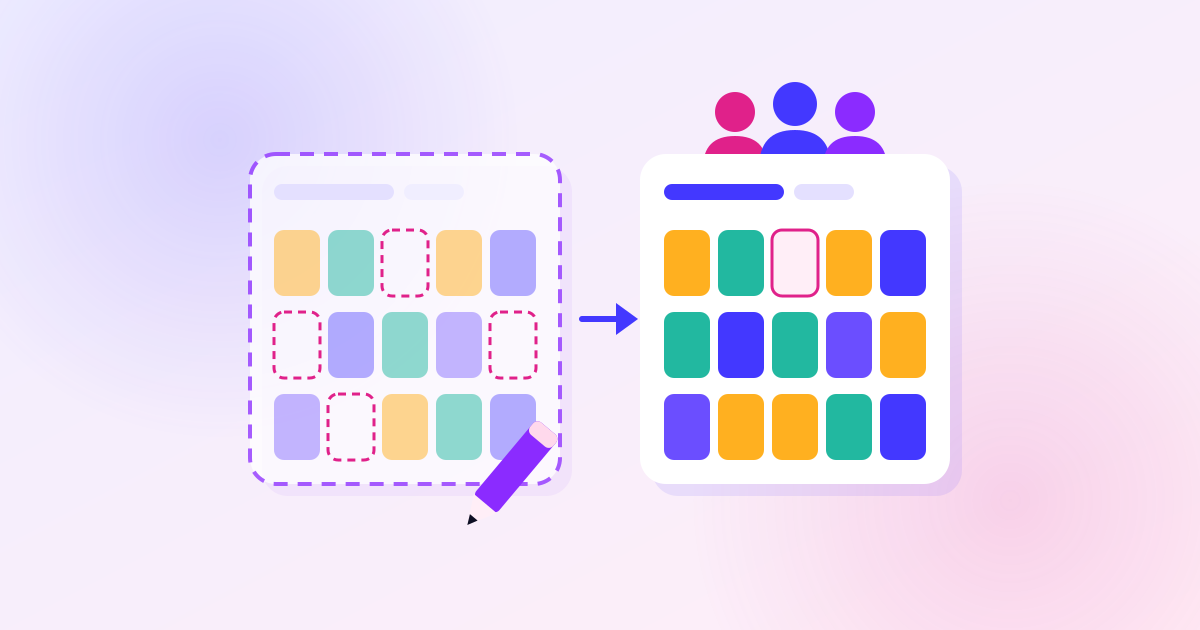
Every schedule in helloswap starts as a draft. You assign shifts, leave gaps as open where you don't have anyone yet, and move things around as much as you like — none of it is visible to your team, and none of it counts as final, until you publish. That separation is the whole point: it lets you build messily and correct mistakes without anyone seeing a half-finished schedule or getting a notification about a shift that's about to change.
Why the draft stage matters
A lot of scheduling mistakes happen because the person building the rota feels rushed to get something out the door. The draft stage removes that pressure. You can:
- Assign some shifts and leave others open until you confirm who's available
- Move a shift from one person to another without either of them being told about the churn
- Walk away and come back to the same week later, still unpublished, still editable
Nothing leaks to employees while it's in this state — no app notification, no calendar entry, nothing on the swap board. That's different from a live, published schedule, where changes are visible immediately and can prompt questions or complaints from staff. Build in draft, check it over, then publish once.
What "open" means while you're still in draft
Leaving a shift unassigned in a draft isn't a loose end you forgot — it's a normal part of building the week. A shift with nobody on it stays as a gap in the draft and only becomes a genuine open shift, available for someone to claim from the swap board, once the schedule is published. Until then it's just a placeholder for a slot you haven't filled.
This matters for how you use the draft stage. If you're missing information — someone hasn't confirmed availability, a time-off request is still pending, you're waiting to see if a shift needs a particular skill — leave it open rather than guessing. Publishing too early with guessed assignments means republishing changes that your team has already seen, which is more disruptive than publishing once with a few gaps still showing as open.
A mistake worth avoiding
The most common way this goes wrong is treating "draft" as "basically done" and publishing out of habit before actually reviewing the week. Because nothing is visible to the team or final until publish, there's no cost to taking an extra pass through the draft first — checking who's on what, whether any shifts are still unassigned, and whether the gaps you've left open are ones you're comfortable with people claiming on the swap board. Once you publish, people can act on what they see, so it's worth treating publish as a deliberate step, not something that happens automatically when you're finished typing.
When to publish
There's no fixed rule for exactly when in the draft-to-publish cycle you should pull the trigger — that depends on how far ahead you plan and how often your availability changes — but the workflow itself is simple:
- Build the week as a draft, assigning what you can and leaving the rest open.
- Review it as a whole — not shift by shift — to catch anything missing.
- Publish when it's ready, which is the point it becomes visible to your team and the gaps become claimable open shifts.
Keeping draft and published clearly separate means your team only ever sees a schedule you intended them to see, not the process of getting there.